
Increase output · Improve consistency · Reduce repetitive handling 01865 416830sales@oxfordindustrialautomation.co.uk
Encoder and vision coordinated motion

Pick moving products with conveyor tracking.

Synchronise robot paths to live conveyor position so products can be located, picked and placed without stopping the continuous production flow.

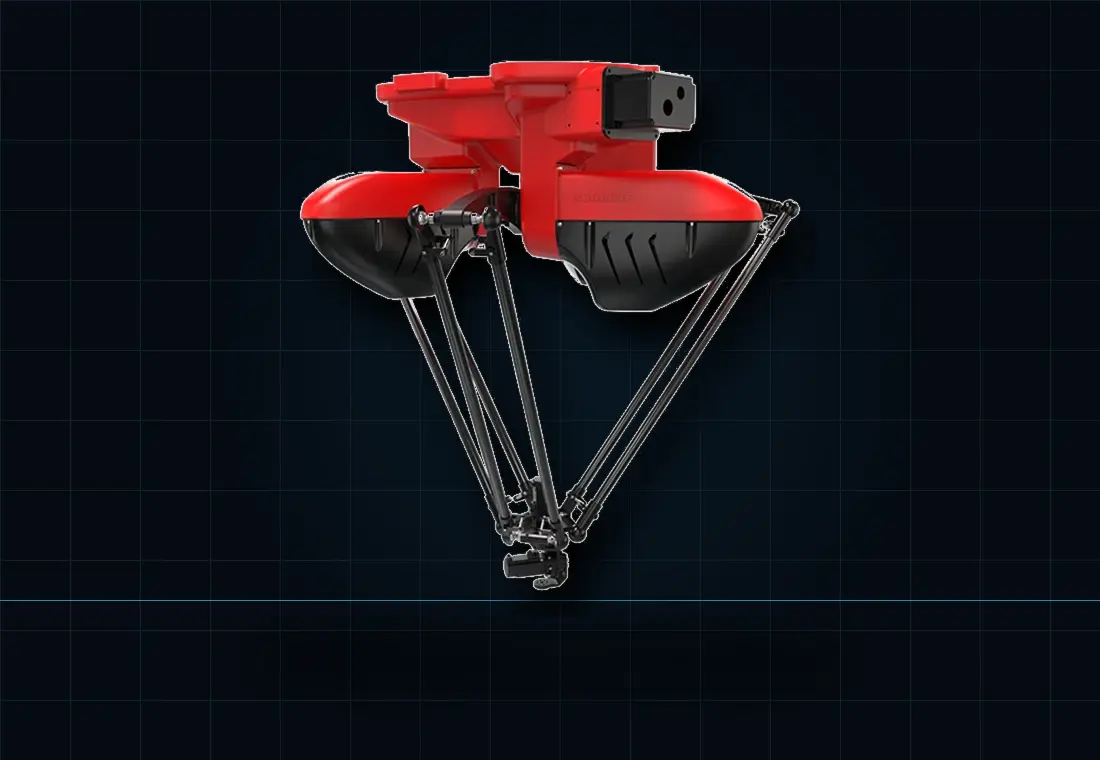
Red delta robot with parallel linkages against a dark grid background.
Your production outcome

One coordinate system, continuously moving

Conveyor tracking combines a stable mechanical conveyor, accurate position feedback and a calibrated robot coordinate system. Vision can add product position, orientation, identity or inspection results.

An encoder measures belt movement while the controller updates the product position from detection to pick. The robot path is then synchronised to the conveyor. This can remove indexing stops, improve flow and allow products to be picked from variable positions within a defined window.

Reliable tracking depends on more than encoder resolution. Belt slip, acceleration, vibration, camera exposure, lighting, calibration, product movement on the belt and latency can all affect the pick. We define the detection point, tracking distance, pick zone, queue logic and recovery behaviour as one control problem.

If products arrive at variable positions or angles, see how vision-guided pick and place can locate, identify and orient them before the tracked pick.

The right robot follows your needs

You do not need to choose the robot first. Your product, target rate, movements, access and existing equipment determine whether SCARA, delta, collaborative or six-axis technology will give you the best result, together with the tooling, controls and safeguarding needed for production.

Design factors

Control the variables that define real output.

These elements are reviewed together so the cell can handle normal production variation and recover predictably.

Encoder feedback

Measure the conveyor position at the resolution and update rate required by the application.

Mechanical stability

Control belt slip, product movement and vibration between detection and pick.

Calibration

Relate camera, conveyor and robot coordinates using a controlled and maintainable process.

Vision window

Provide enough time and field of view to detect products before they leave the usable pick zone.

Queue logic

Track multiple products and allocate them to the correct robot or downstream destination.

Fault handling

Define recovery for lost tracking, overlaps, rejects, missed picks and conveyor stops.

Control sequence

A coordinated route from arrival to placement.

The exact sequence is application-specific, but every stage needs a defined condition, action and fault response.

Detect

Sensor or vision creates a product record and starting position.

Track

Encoder data updates the live product coordinate as the belt moves.

Intercept

The robot synchronises its path and enters the valid pick window.

Confirm

Grip is verified and the queue updates before the product is placed.

Frequently asked questions

Questions about robot conveyor tracking.

Use these answers as a starting point; your products and real production conditions determine the final solution.

Does conveyor tracking require machine vision?

Not always. A sensor can trigger tracking when products arrive in a repeatable lane and orientation. Vision is useful when position, orientation, identity or inspection varies.

Can the conveyor change speed?

Tracking can follow speed variation within the system's designed operating range. Acceleration, stopping and restart behaviour must be included in the controls and validation.

What causes conveyor tracking errors?

Common causes include belt slip, product movement, poor encoder coupling, vibration, calibration drift, inconsistent lighting and excessive delay between detection and pick.

Can several product types share one conveyor?

Yes, if they can be identified and the robot, tooling, recipes and downstream logic can handle the variation.

See what will work on your production line.

Send your product details, target output, photos or a short process video. We will recommend the right next step and explain what is needed for a reliable robot cell.

Get a recommendation →

How does encoder conveyor tracking work?

An encoder reports conveyor movement while the robot controller updates each detected product position inside a calibrated coordinate system. The robot then synchronises its pick path with the moving belt. Reliable tracking also depends on belt slip, product movement, latency, lighting and calibration.

Test clustered arrivals within the usable pick window

A conveyor can deliver the required average number of products while still presenting short bursts that one robot cannot clear. Conveyor tracking keeps position information current, but it does not create unlimited picking time. Compare the arrival pattern with the robot's usable pick window and complete pick-and-place sequence.

Supply a production video long enough to show normal bunching, gaps and recovery after upstream stops. During the application study, record how many products enter the window together and which remain reachable by the time the robot is available. Include the placement task and grip confirmation, rather than counting only the approach to the conveyor. Where more than one robot is proposed, define how work is allocated and what happens to an item that is passed over.

Acceptance should identify missed or expired pick opportunities separately from successful picks and inspection rejects. That reveals whether the next improvement belongs in robot capacity, product spacing or upstream buffering. It also supports a more credible throughput commitment. Send both the average required output and examples of the busiest normal arrival periods when requesting a tracked-picking review.

Can average conveyor output be within capacity while products are missed?

Yes. Closely grouped arrivals may exceed what the robot can clear within the available pick window.

What should happen to a product that leaves the pick window?

The agreed control sequence should record the missed opportunity and route it through the defined downstream or exception process.

Call 01865 416830Get a recommendation →